


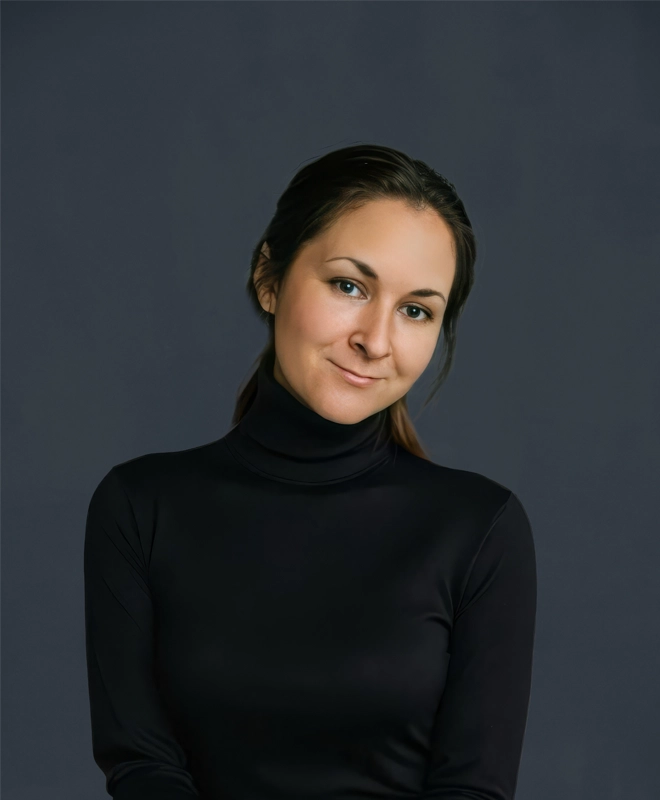

Daria Kublashvili leads a 3D production team and drives R&D initiatives across The View, testing new tools and bringing proven solutions into production. When an AI tool looks promising, she tries it on real client work before it reaches the rest of the team.
We asked her what those tests have taught her: which tools stayed, which results never made it to a client, and what clients can ask for now.
How do you decide whether a new AI tool is ready for client work?
I try it on the tasks we actually have. I want to see where it's strong, where it breaks, and whether it fits into how we already work. If it holds up, I build it into our process and hand it to the team ready to use.
There's so much AI news right now that it overwhelms a lot of people. My job is to turn it into something specific: here's our task, here's the tool, here's where it helps.
When it comes to AI, I play the good cop. I believe it can do almost anything if I find the right way to ask. The downside is that sometimes I put so much manual work into getting a result that the old way would have been faster.
Has AI ever turned out more useful than you expected?
Yes, with plants. Usually it goes the other way: I expect AI to do everything, and then it turns out to be more complicated.
When a spec calls for specific plants, someone has to find them in our model library. I wanted to automate that, but I’m not a programmer and didn’t really believe I’d end up with something that worked. With AI’s help, I built a tool that searches our plant model library, identifies exact matches and suggests visually similar alternatives. The whole studio uses it now. It saves a noticeable amount of time, and we put that time back into the images.
Can AI produce a finished render on its own yet?
Not at the level we deliver. That's been my goal since we started testing AI about four years ago. Every new model gets closer, but so far there's always been something that needed a person.
A recent kitchen is a good example. The client needed the colors to match apartments they had already finished, and they sent us photos. Our renders often go out before a building is complete, and later real photos replace them, so the two need to match. Exact color is hard to get in a render, so I tried reworking our image with AI. After about an hour, the colors were very close. But when I checked the image at full size, the small things had gone wrong: spoons, the weave of a basket, appliance handles. We couldn't send that.
Instead, the AI version became a reference. The artist on the project re-rendered the scene until the colors matched the photos. Then he used AI on one object only, the refrigerator, which had been the hardest part to get right. Since nothing else in the frame changed, the final image had none of those flaws.
How do you check work that AI has helped with?
We tell the AI what to look for, and then we check the work ourselves.
Right now AI helps us confirm that a client's revisions were actually made, and we're working on checks against the project specs. In our tests, we've had to be very specific about what we ask AI to check. Clients care which direction the tile runs on their drawings. AI will see that the right tile is in the image and move on, unless we tell it to check the layout too. It also flags things that don't matter. Once it reported a treadmill from the wrong brand, when what we'd agreed with that client was to match the shape, color and materials.
In my own work, the first review is often done by AI, with my criteria written out. A person still does the final check, now with a clearer idea of where to look.
What changes when clients use AI themselves?
A lot of them already do. Some send AI images with their revisions, like "we want a table roughly like this." On one animation I worked on, the client sent an AI-generated image and said, this is what we need, just make it beautiful.
That helps us. Before, clients often tried to explain an idea in words, and that's hard to do. A picture shows us what they have in mind.
An AI reference helps us understand the direction, but it doesn't guarantee that specific furniture and finishes are represented correctly. We still need to check those details and resolve any visual artifacts before using the image in the finished work. If the goal is simply to explore an idea, an AI image can be a useful starting point.
Can AI help with a request you haven't done before?
A client asked whether we could do virtual staging on video. They had footage of an apartment that still needed furniture. We had already used AI to stage still images, so we applied the same approach to video, with a few technical tricks of our own. The client told us that even watching in slow motion, they couldn't tell where AI had been used.
Vibe content is built from a property’s existing renders, tour panoramas and photos. Where does AI come in?
AI adds movement to renders and photos the client already has, so people can picture life in the community. It sounds simple. In practice, getting one shot that keeps the space accurate and matches what the client expects can take our artists dozens of attempts - sometimes close to a hundred. We check every shot against the project and fix artifacts before anything is delivered. We’re open about using AI, but the finished video still has to look clean and stay true to the property.
Most of our work happens before anything is generated, and that's true for our renders too. Every project starts with people: we study it, talk through the approach, decide what's worth showing and in what order, and try different options before anything goes to the client. Right now the whole team is testing AI on real projects and sharing what worked. AI helps us bring our ideas to life faster, but it's still us doing the work.
